 Steady Phone
01
A text list on your Home Screen.
Large type, light or dark. Tap a name to open that app. If it doesn't open, Steady Phone says so.
For one iPhone
Steady Phone keeps a few apps within reach and shields the rest. No account. Works offline.
Coming to the App Store. iPhone, iOS 18 or later.

01
Large type, light or dark. Tap a name to open that app. If it doesn't open, Steady Phone says so.
02
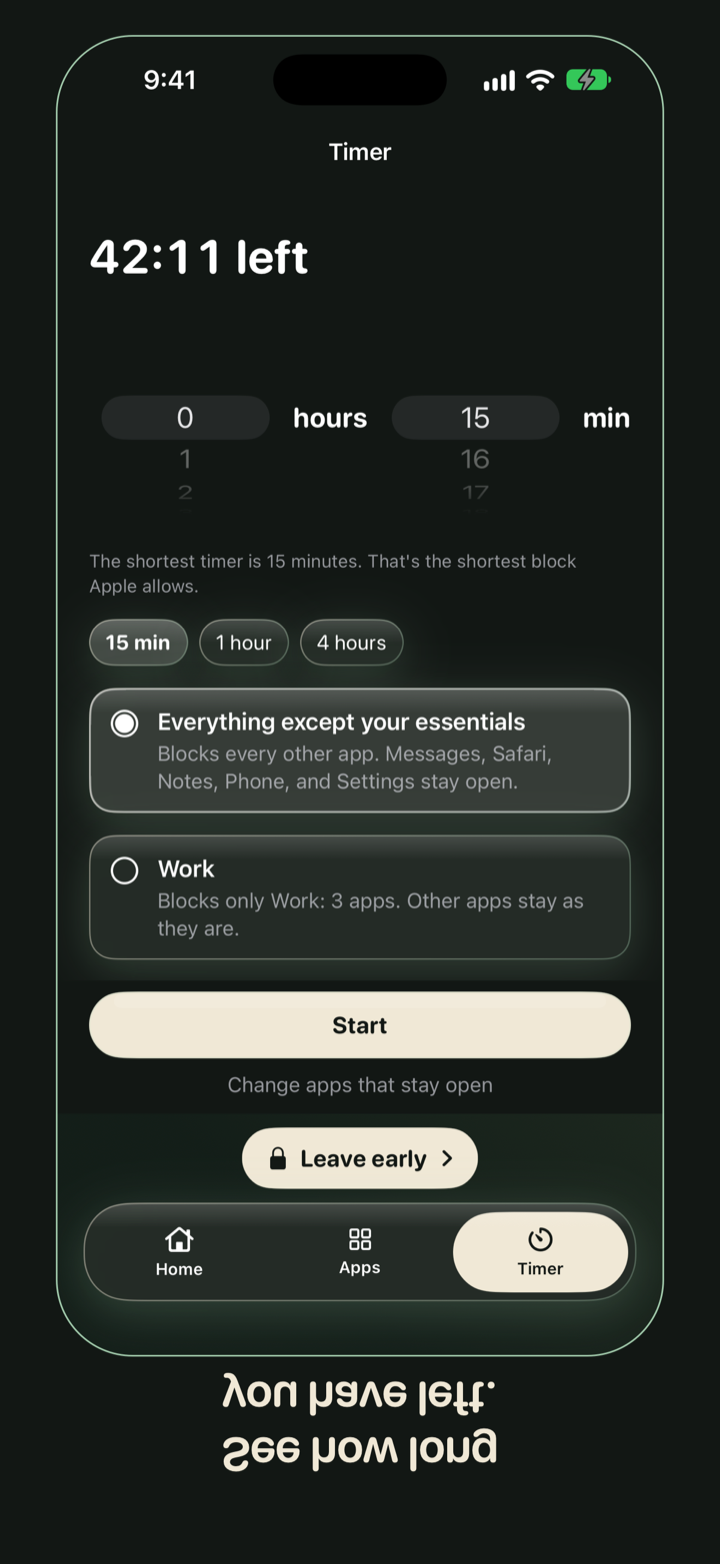
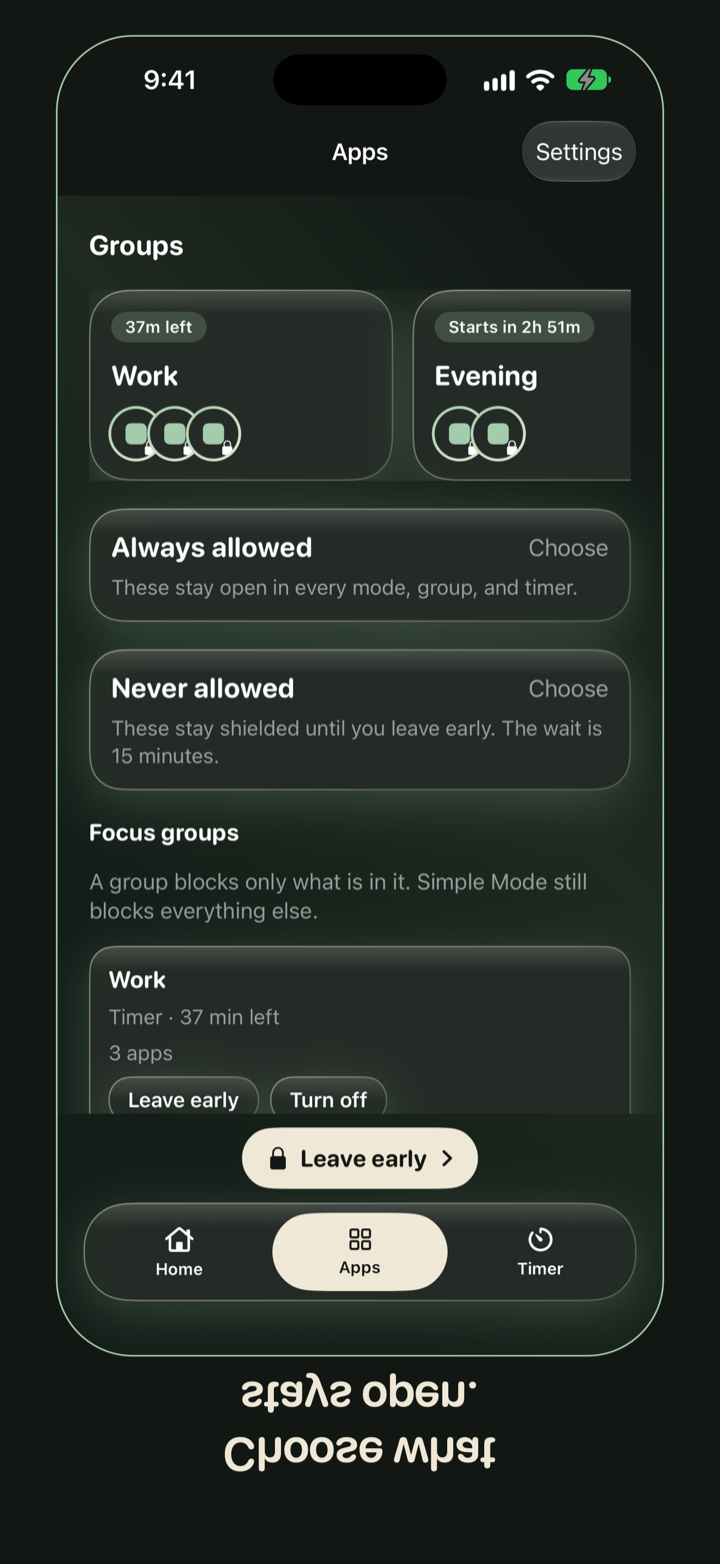
You pick what stays open, up to 50 apps. Screen Time covers the rest. The shield's only button is Close.
03
The wait shows inside Steady Phone. The shield does not count down. When the time is up, the shields drop until the next window.
The names on the Home Screen are not the same as the apps Screen Time leaves open. iOS does not give Steady Phone a name it can tap from a Screen Time token. You choose both, on purpose.
Include Phone, Messages, and Maps in the apps that stay open if you want calls and directions to keep working. If you keep Safari, websites open too.
The shield
This app isn't on your list. Open Steady Phone to leave. It takes 15 minutes.
Close
When you do, the shields come off with it. That does not wait 15 minutes. The wait is for leaving early while Steady Phone is still the mode you chose. You can also revoke Screen Time in iOS Settings. Steady Phone can't stop you.
Yearly is $24 after a 7-day free trial. Monthly is $4, with no trial. Cancel anytime in Settings.